> For the complete documentation index, see [llms.txt](https://wiki.revolgc.pro/llms.txt). Markdown versions of documentation pages are available by appending `.md` to page URLs; this page is available as [Markdown](https://wiki.revolgc.pro/en/beginning-of-the-game/igrovoi-launcher.md).
# game launcher
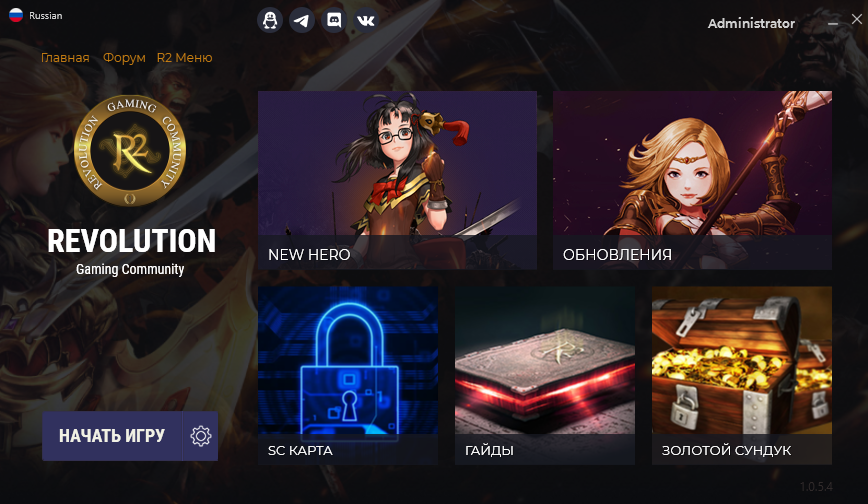
The game launcher is used to launch the game.
In it, you can always see the main events, connect additional accounts and check the allowed PCs for logging in.
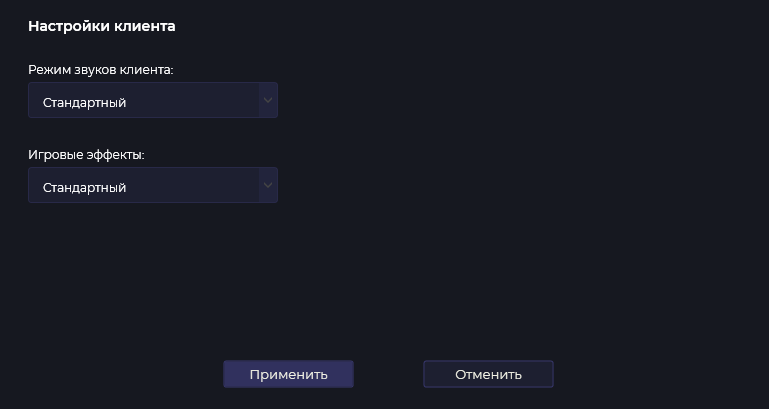
client settings
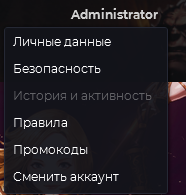
account settings
### Sets
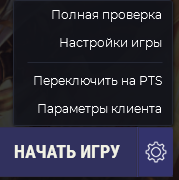
In the options there is a full check of the client, game settings, as well as switching to the PTS server and a special feature - client sets (available in the client settings).
In client sets, you can install special sets of sounds or effects created specifically by the RevolGC administration for the convenience of playing.
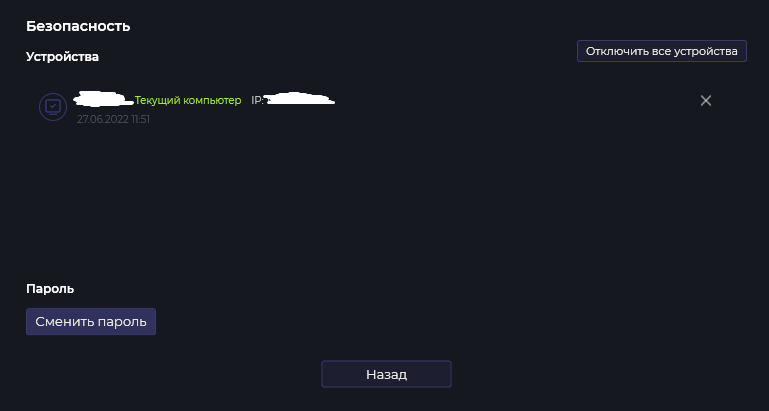
### Safety
On the "Security" tab, you can see the current devices from which you logged into your account, the name of the PC and the IP address. You can also disable unnecessary PCs from accessing your account and change your password.